Prepare before opening the app
Choose an unhurried moment when nobody depends on the equipment you are changing. Read the manufacturer’s quick-start and safety instructions, check the exact model and find its pairing code. Keep packaging until you know whether you will keep the device. Pairing codes can grant access, so store them privately rather than posting photographs in a public help forum.
Confirm that the product is appropriate for the intended location and load. A lamp socket, bathroom and outdoor outlet have different requirements. Do not open fixed wiring or improvise an adapter arrangement. If the task involves permanent installation, uncertain wiring or a safety-critical system, stop and seek appropriate professional help. This sequence covers ordinary user setup, not electrical installation.
Check the network without redesigning it
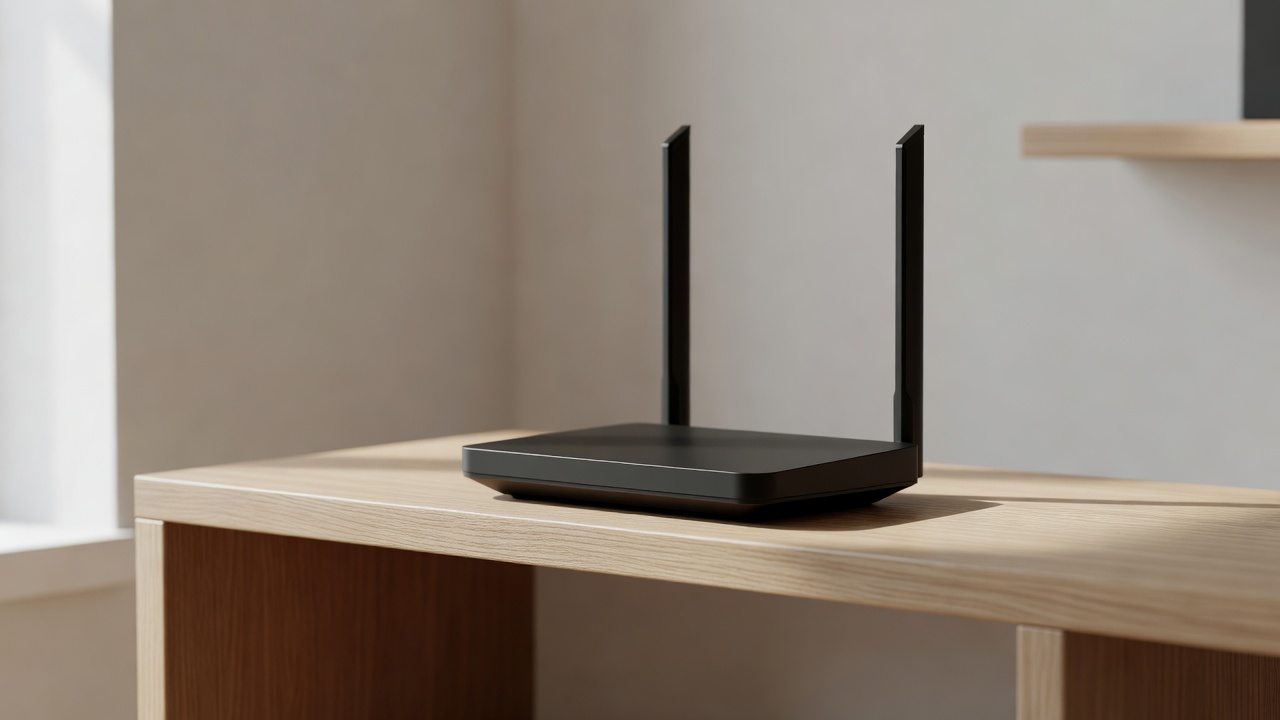
Many Wi-Fi accessories use 2.4 GHz only. That does not mean every home needs separate network names for each band. A correctly functioning dual-band router can often support them under one name. Follow the product’s instructions if setup requires a particular band or temporary procedure; do not disable router security just to make pairing easier.
A guest network can isolate devices from one another. That is useful for some visitors but may prevent your phone from discovering an accessory or hub. Matter discovery can also be affected by blocked local multicast traffic or an unsuitable IPv6 configuration. Avoid changing advanced settings at random. Use the router and platform documentation, and record any deliberate change so you can reverse it.
- Prepare one devicePlace it where the instructions recommend for initial setup. Have your phone charged, the intended account ready and the relevant controller available.
- Pair through the intended routeUse the manufacturer or platform app specified for that model. Allow required local-network or Bluetooth permissions, understanding what each is used for.
- Name it by place and purpose“Hall lamp” is easier to remember than a serial number or a joke that only one person understands.
- Test before automatingUse the physical control and app separately. Then add one simple schedule and watch its first run.
- Record the recovery routeNote the controller, power source, model and instructions location. Store passwords and pairing secrets separately in a secure place.
Let the device finish its first housekeeping
Some accessories download firmware during or shortly after setup. Keep a stable power supply and follow the displayed instructions; interrupting an update can create a harder problem than the one you started with. Check whether updates are handled by the original manufacturer’s app, a bridge or your chosen platform. Matter support does not guarantee that every controller offers the same firmware-update route for every device.
On iOS and Android, an app may request Bluetooth, local-network, camera or notification access at different stages. A camera permission can be used to scan a pairing code; it is not automatically evidence that the accessory itself records video. Equally, do not grant permissions without reading the explanation. Where manual code entry is offered, that may be a suitable alternative.
Test the boring situations
First, switch the device using its familiar physical control. If a smart bulb loses power at the wall, it normally cannot respond to app commands until power returns. Agree how the household will use that switch rather than relying on a reminder that only one person remembers. Do not cover or remove a necessary control as a substitute for a workable design.
For a nonessential device, check its documented power-restoration behaviour. Some products return to their last state; others turn on or use a configurable default. Do not interrupt power to medical equipment, security functions or other critical loads as an experiment. If you test internet loss, do so only when it will not disrupt anybody’s work, communication or safety.
If the setup cannot be explained in a few calm sentences, it probably needs one fewer moving part.
Make access a household decision
Use supported invitations rather than sharing the owner’s password. Give people only the access they need, and keep a second authorised recovery route where the platform supports it. Enable multifactor authentication for important accounts. A password manager can hold recovery codes and model notes without leaving secrets in a kitchen notebook.
Finally, leave the device alone for several ordinary days. Notice whether anybody has to ask how to use it, whether the schedule causes annoyance and whether the promised chore is actually gone. Only expand when the small version feels unremarkable. Dependability is a better signal than the excitement of the first successful pairing.
If pairing or control fails, use the recovery guide. Once it is stable, make a short upkeep plan.